01
A clear start
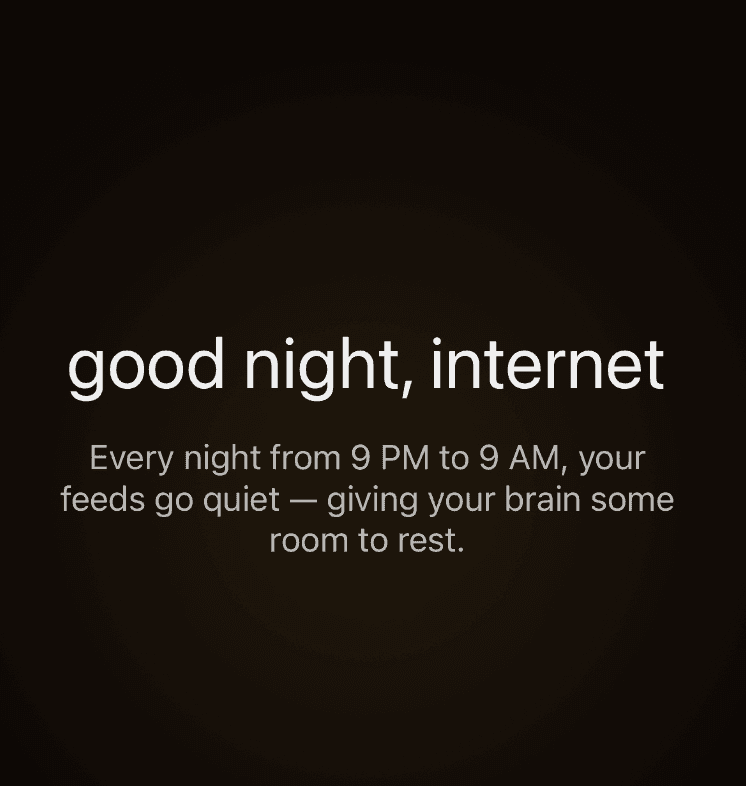
9to9 starts with one promise: your feeds go quiet every night from 9 PM to 9 AM.

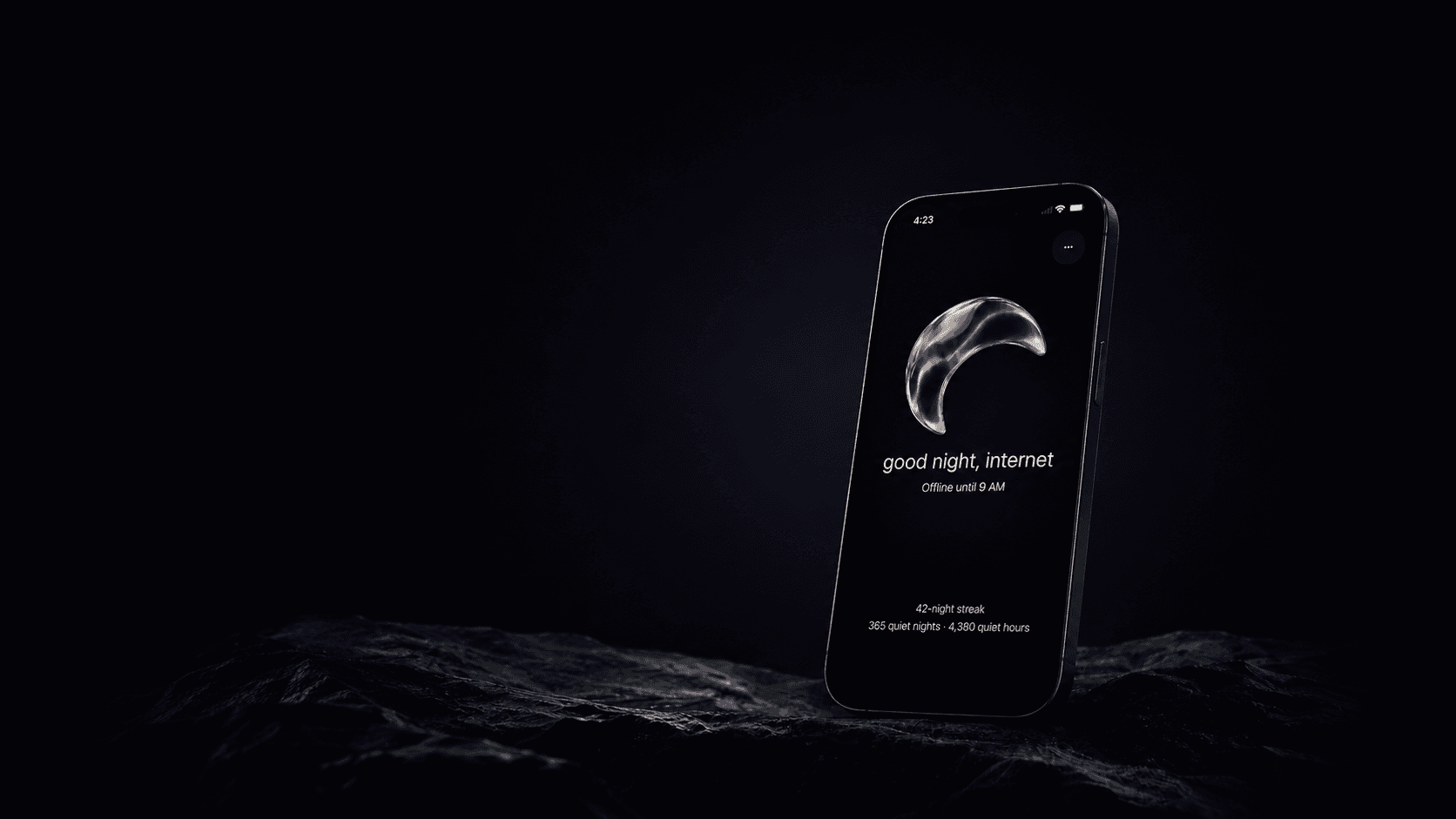
9to9 automatically blocks the apps and websites that steal your nights—from 9 PM to 9 AM—so your phone can finally power down with you.
 For iPhone · Set it once, then let it work.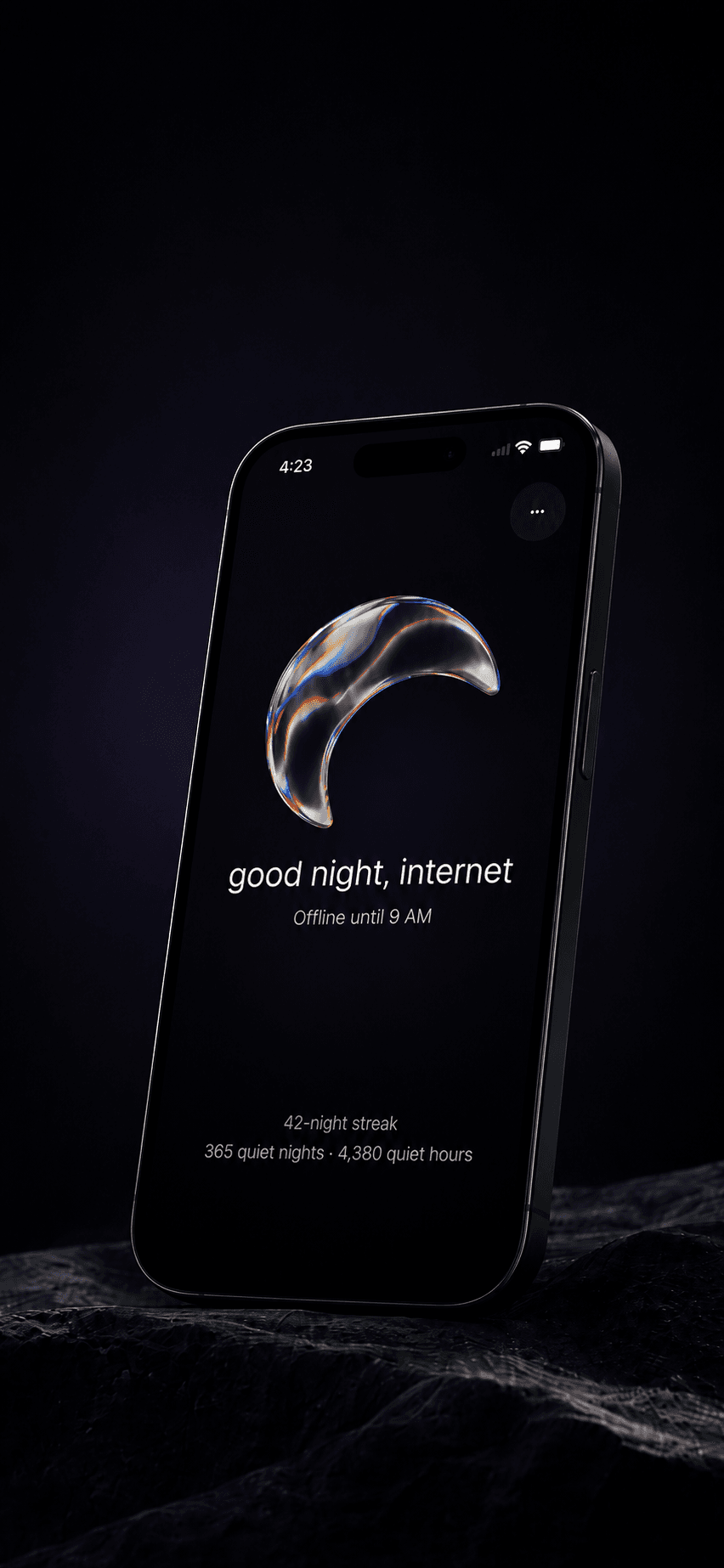
what 9to9 does
Choose your distractions once. At 9 PM, they go quiet. At 9 AM, they return. It’s a boundary that does not need your willpower at the end of a long day.
inside 9to9
9to9 starts with one promise: your feeds go quiet every night from 9 PM to 9 AM.
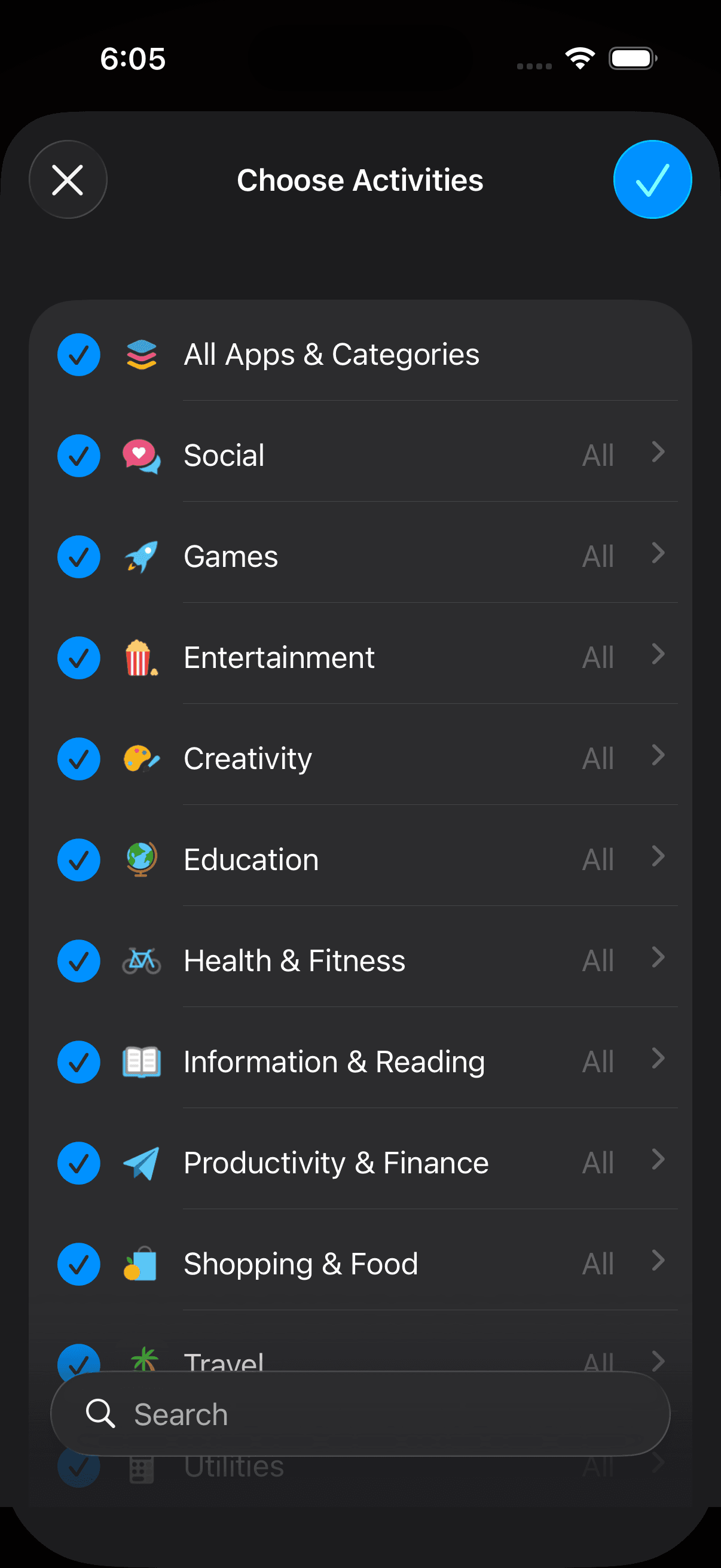
Select the app categories and websites you want to put away at night. You are always in control of the list.
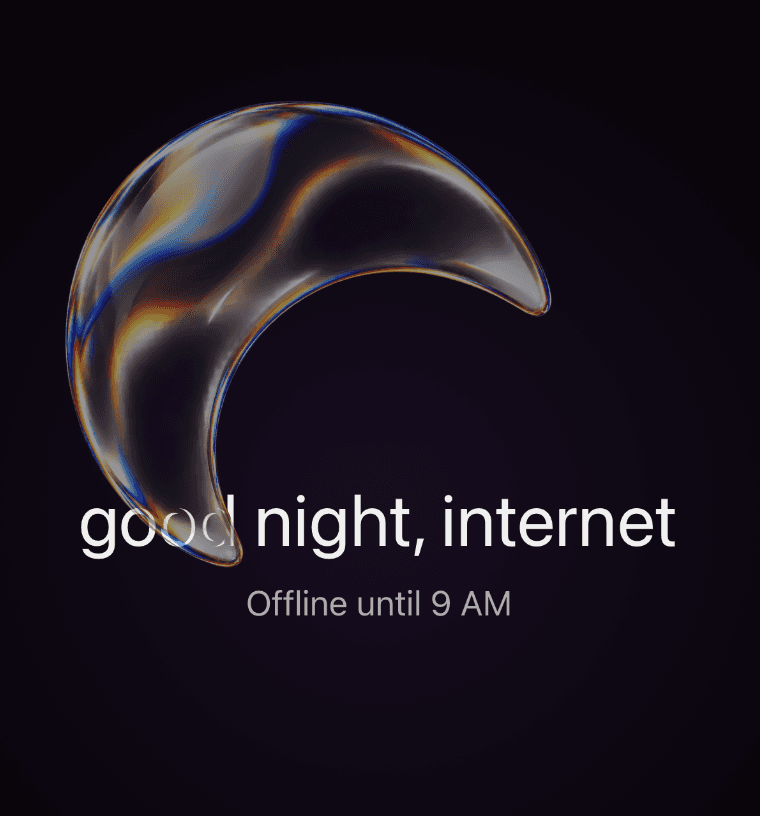
When quiet time starts, 9to9 gives you one calm status: your chosen distractions are offline until morning.
built for the moment you need it most
At night, 9to9 shows a single, reassuring status: you’re offline until morning. During the day, your settings are there when you need them—and out of the way when you don’t.
privacy, by default
9to9 is built around Apple’s protected Screen Time tools. Your selected distractions and quiet-night history stay on your device.
Start without creating another login.
9to9 does not read your browsing history, messages, or passwords.
Subscriptions are handled through the App Store.
questions, answered
You choose the apps and websites that count as distractions. Calls, texts, alarms, and anything you do not select keep working as usual.
Yes. Once it is set up, your selected distractions go quiet from 9 PM to 9 AM every night.
Temporary Access opens your selected distractions for five minutes, then quiet returns automatically.
No. 9to9 does not require an account to use the core experience.
start tonight
Download 9to9, choose what goes quiet, and let your next night be yours again.
7-day free trial for eligible new subscribers · Then $19.99/year · Cancel anytime in App Store settings.
